
Home Wi-Fi is a vital part of our daily lives. It connects laptops, phones, printers, and various other devices, facilitating the exchange of data. A typical home network involves multiple devices such as computers, smart speakers, televisions, cameras, and printers. These devices continuously transmit and receive information.
Importance of a Firewall
While some network traffic is expected, like accessing a bank website or downloading updates, other traffic may be suspicious or unwanted. This is where a firewall plays a crucial role. A firewall acts as a security system that checks and controls network connections based on predefined rules.
A firewall functions as a digital doorman, helping prevent unwanted traffic from reaching your devices.
Knowing how firewalls operate, where they fit, and their limitations is essential for effectively securing your home network.
Firewall Types
Router Firewall
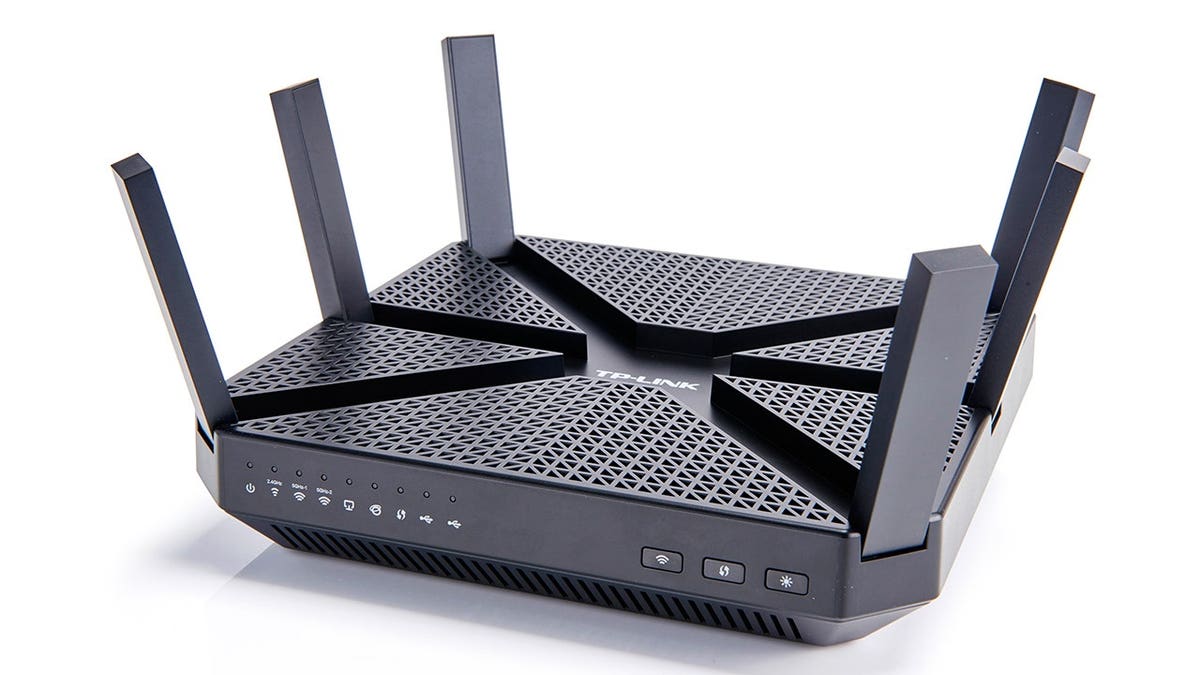
Your home router connects your household to the internet. Many routers come with a built-in firewall, providing a basic layer of protection by controlling unwanted internet connections to devices on your network. The effectiveness depends on the router model and configuration.
Software Firewall
Software firewalls run on individual devices like PCs or Macs. They offer additional control at the device level, which is beneficial when devices connect to different networks outside the home.
Traffic Types
Network traffic falls into two categories:
- Inbound Traffic: Data approaching your device, such as a webpage sending back information to your browser.
- Outbound Traffic: Data leaving your device, such as sending an email or syncing files.
A firewall uses rules to manage connections, ensuring usual online activities remain uninterrupted while unusual behavior is flagged.
Network Awareness
Online banking and remote work require meticulous attention to network security. Sensitive information like bank details and work documents are often handled on the same computer used for entertainment. A firewall provides a level of protection, but personal decisions chiefly determine safety.
What Firewalls Can and Cannot Do
- Firewalls help control certain connections, reducing unsolicited inbound traffic.
- They cannot enhance weak passwords or prevent user errors like clicking on scams.
- Firewalls cannot replace antivirus software, backups, multifactor authentication, or updated software.
Firewalls work best within a comprehensive security setup, which includes regular software updates and vigilance against phishing attempts.
Enhancing Home Wi-Fi Security
- Secure router settings by changing default passwords and using recommended security modes.
- Install firmware updates for better performance and security.
- Use strong, unique Wi-Fi passwords and utilize guest networks for visitors.
- Periodically review connected devices to identify unfamiliar devices.
- Consider replacing outdated routers lacking security updates.
Comprehensive Protection Strategy
A multi-layered approach involving firewalls, antivirus software, and backups offers robust protection:
- Use multifactor authentication for critical accounts.
- Regularly update systems and apps.
- Be cautious of unexpected links and remote-access requests.
Backup Strategy
Follow the 3-2-1 backup rule: three copies of data across two types of storage, with one copy outside the computer.
Backups should be automatic, current, and isolated from incidents affecting your computer.
If ransomware occurs, disconnect affected devices from the network. Avoid paying ransoms and seek professional advice.
Staying updated on router settings and checking connected devices can further bolster home Wi-Fi security.
Kurt’s Key Takeaways: Firewalls perform work behind the scenes, offering unseen protection. While a router firewall covers network protection, a software firewall manages device-specific security. Complement firewalls with strong passwords, multifactor authentication, antivirus protection, and backups for holistic safety.
For tech tips, security alerts, and exclusive offers, you can visit CyberGuy.com.