
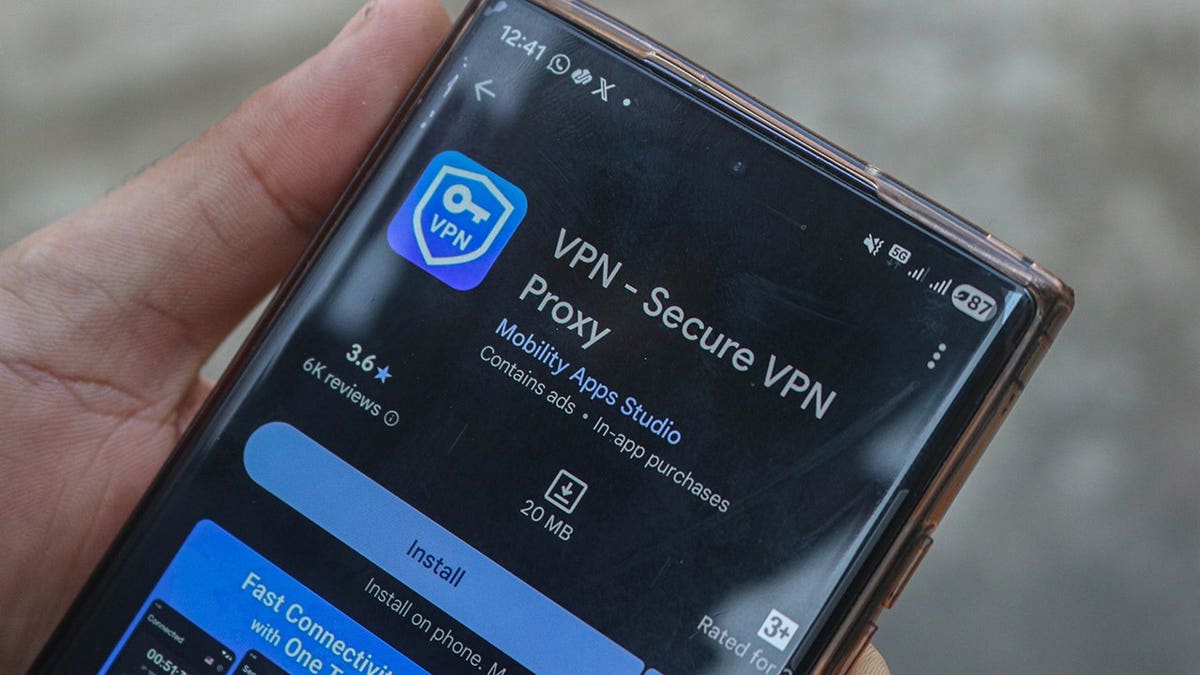
Websites frequently request identity verification when you use a VPN. Whether accessing bank accounts, emails, or online shopping, the security checks can be annoying. A VPN alters the IP address visible to websites, potentially causing extra verification requests. A dedicated IP address can help reduce these interruptions while keeping your VPN active.
Impact of VPN on Logins
A VPN generally doesn’t interfere with passkeys or two-factor authentication codes, which are generated locally on your device. What changes is the public IP address visible to sites. When connected through a VPN server, it’s that server’s IP address that websites and apps detect instead of your regular one.
Banks and financial apps may see this as a sign of unusual activity. If you typically log in from the same location and suddenly your account appears accessed from another city or country, the system flags it as suspicious.
Triggers for Security Checks
There are two common triggers for extra security checks:
- Shared IP addresses: Many users sharing a VPN server’s IP may cause verification steps due to it looking like VPN traffic.
- Changing IP addresses: Different sessions can result in a different IP address when reconnecting or switching servers, raising alerts.
Benefits of a Dedicated IP
Using a dedicated IP address means you won’t share it with others, providing a consistent IP address every time you connect to the VPN. This can reduce CAPTCHAs and security steps, especially for services monitoring your usual login patterns.
However, a dedicated IP doesn’t guarantee complete trust from banks or websites. They also consider device information and account activity. Some VPN services provide dedicated IPs within subscription plans or as add-ons. Privacy protections vary, so review how the IP is assigned and linked to your account.
Note that using a dedicated IP may make it easier for sites to track repeated visits. Shared IPs mix your traffic with others, offering more privacy.
Reducing Login Interruptions
For those facing regular login interruptions, a dedicated IP may offer a smoother experience without sacrificing VPN encryption. To avoid VPN login problems, consider these tips:
- Switch to a different VPN server and choose one close to your location for fewer security checks.
- Use split tunneling to let certain apps bypass the VPN while keeping others protected.
- Ensure your authenticator app’s clock is correct, as time-based codes need precise timing.
- Let trusted sites remember your device, but ensure cookies are enabled for this function.
- Be cautious with unexpected login requests; deny them if unauthorized.
Final Thoughts
The extra privacy a VPN offers comes with the downside of possible login interruptions. A dedicated IP provides consistency, making logins more convenient, though some security checks remain necessary. Always keep authentication protections active.
Have you encountered account lockouts with a VPN, or discovered a solution? Share your experience at CyberGuy.com.
For detailed VPN reviews for multiple devices, visit CyberGuy.com.
Stay informed with tech tips and security alerts from Kurt’s free CyberGuy Newsletter at CyberGuy.com.