
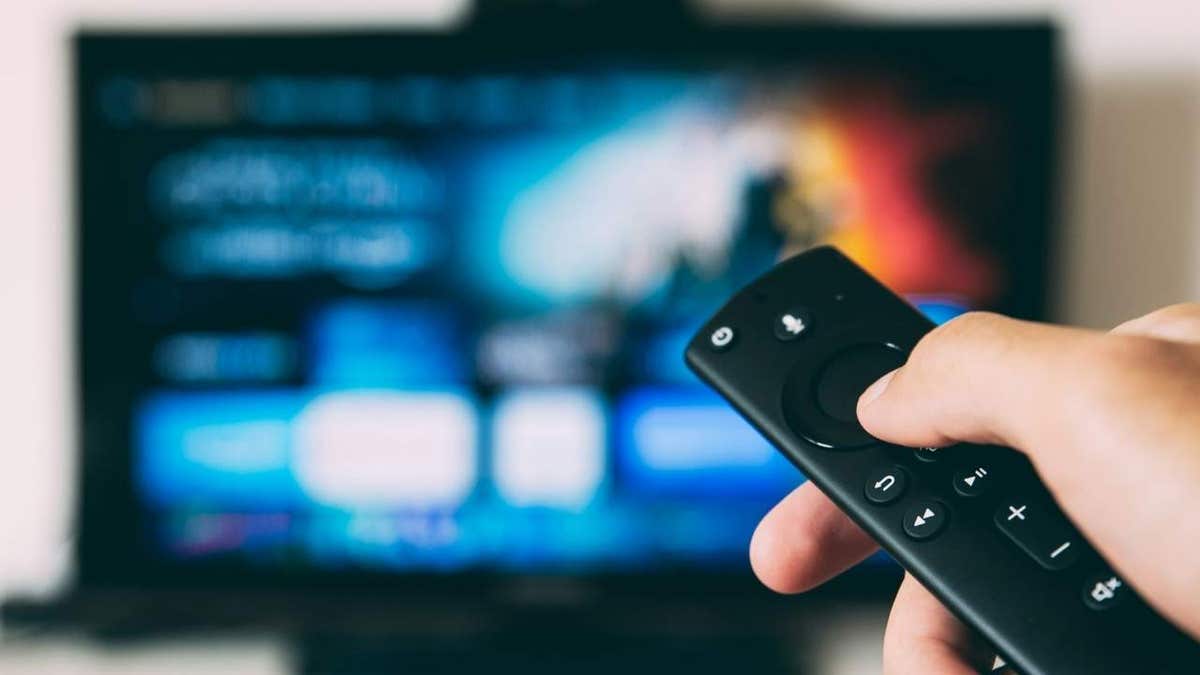
Traveling can be hectic. You’ve landed at your hotel, ready to unwind. The room looks inviting with a plush bed and a big TV equipped with streaming services like Netflix. Before you settle in, consider the privacy risks of using the hotel TV.
Hotel TV Privacy Concerns
Your hotel room TV isn’t the same as your personal TV. It’s a shared device used by numerous guests. Signing into a streaming app on a hotel TV might keep your session active after you check out, leaving your account vulnerable to the next occupant. While the risk of your password being displayed is low, a session may allow someone to access your viewing preferences and subscription.
Consider using Netflix’s Manage Access and Devices feature. It helps you monitor activity and sign out from devices remotely. Also, some hotel setups offer secure casting, disconnecting your device upon checkout.
Smart TV Tracking
Many smart TVs employ Automatic Content Recognition (ACR) to gather data on viewed content. Although this doesn’t connect directly to your personal account, it’s a reminder that hotel TVs function differently from ones at home.
Stream Safely in Your Hotel Room
Prefer your own devices for streaming, like your phone, tablet, or laptop. Connect them to the hotel’s screen using an HDMI cable to avoid entering passwords on shared TVs. HDMI cables require switching the TV to the correct input, but this method generally protects your data from being accessed by the TV.
If the hotel TV inputs are locked, double-check connections, restoring them exactly before you leave.
Consider Hotel Wi-Fi Privacy
Hotel Wi-Fi, while convenient, is public. Many websites use HTTPS to encrypt data. However, using a VPN adds security, encrypting data between your device and the server, limiting what the hotel network can track.
Actions if You’re Already Signed In
If you’re reading this from the hotel and are signed in to a streaming service, take these steps:
- Check signed-in devices: Review the account settings for active devices.
- Sign out remotely: If you spot unfamiliar devices, disconnect them.
- Review account activity: Check for unrecognized viewing patterns.
- Update passwords: Choose a strong, unique password and use a password manager.
- Enable security settings: Use verification codes or additional protections for your account.
Key Takeaways
While signing into hotel TVs is tempting, opt for streaming from your own device using secure casting when available. Use a VPN for hotel Wi-Fi protection. Always log out of streaming apps before checking out to prevent unauthorized access.
Have you encountered someone else’s account logged in at a hotel? Share your experiences at CyberGuy.com.
Subscribe to my FREE CyberGuy Newsletter for tech tips and exclusive deals. Visit CyberGuy.com for advice and the Ultimate Scam Survival Guide.
Kurt “CyberGuy” Knutsson offers insights on technology for Fox News & FOX Business. Reach out with questions or subscribe to his newsletter for regular updates.